
$link - URL Fields
This keyword is used to make a field behave like an hyperlink.
Usage:
$link(encode:[true,false])Options:
encode- prevents RecordM of URL encoding the value before turning it into a link*. This option is very useful when we wish to dynamically generate a URL that includes special characters. Default value isfalse
Fields built with the $link keyword most often also include the $auto.text().join() keyword before it in order to dynamically generate a value.
Examples:
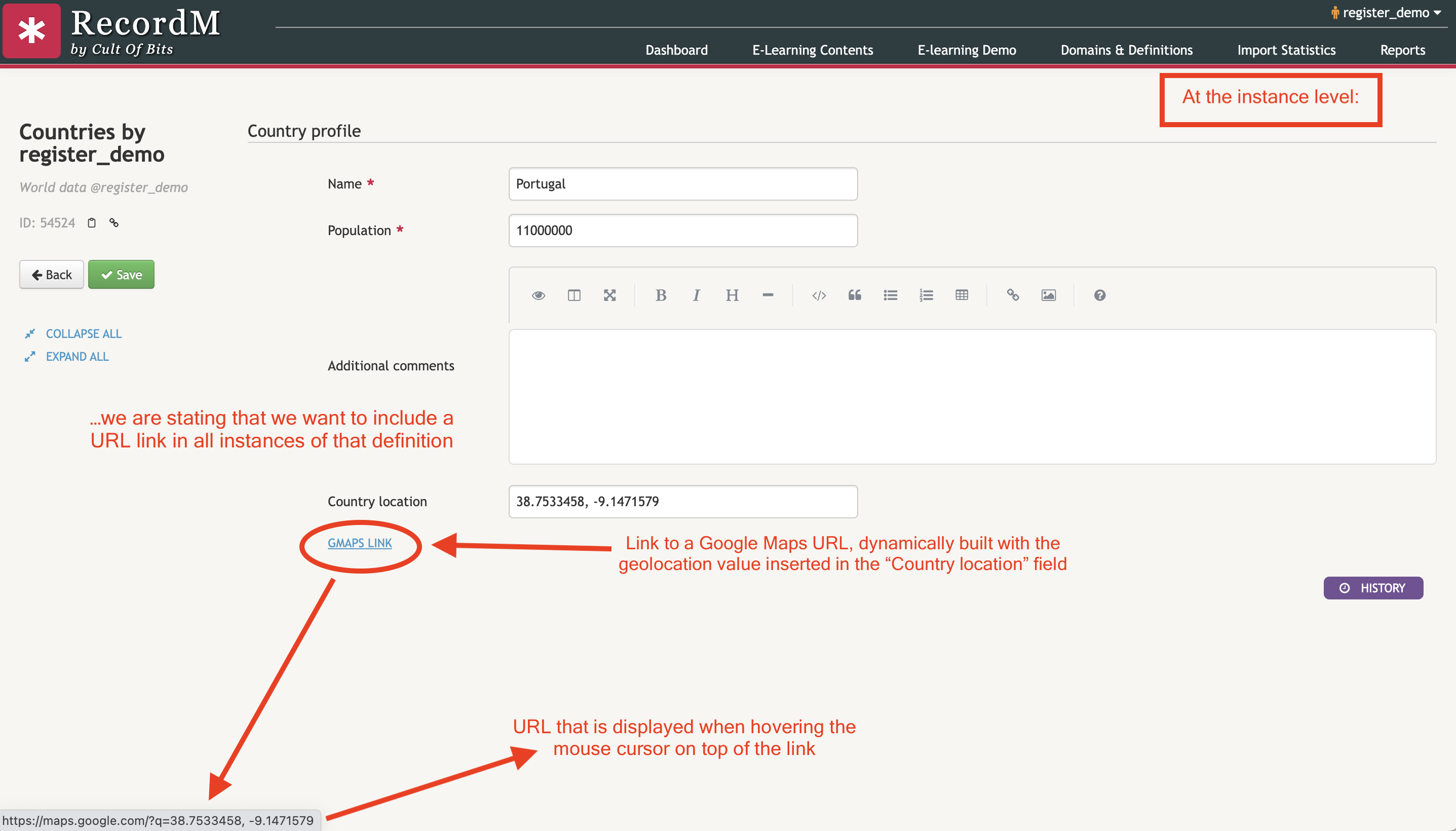
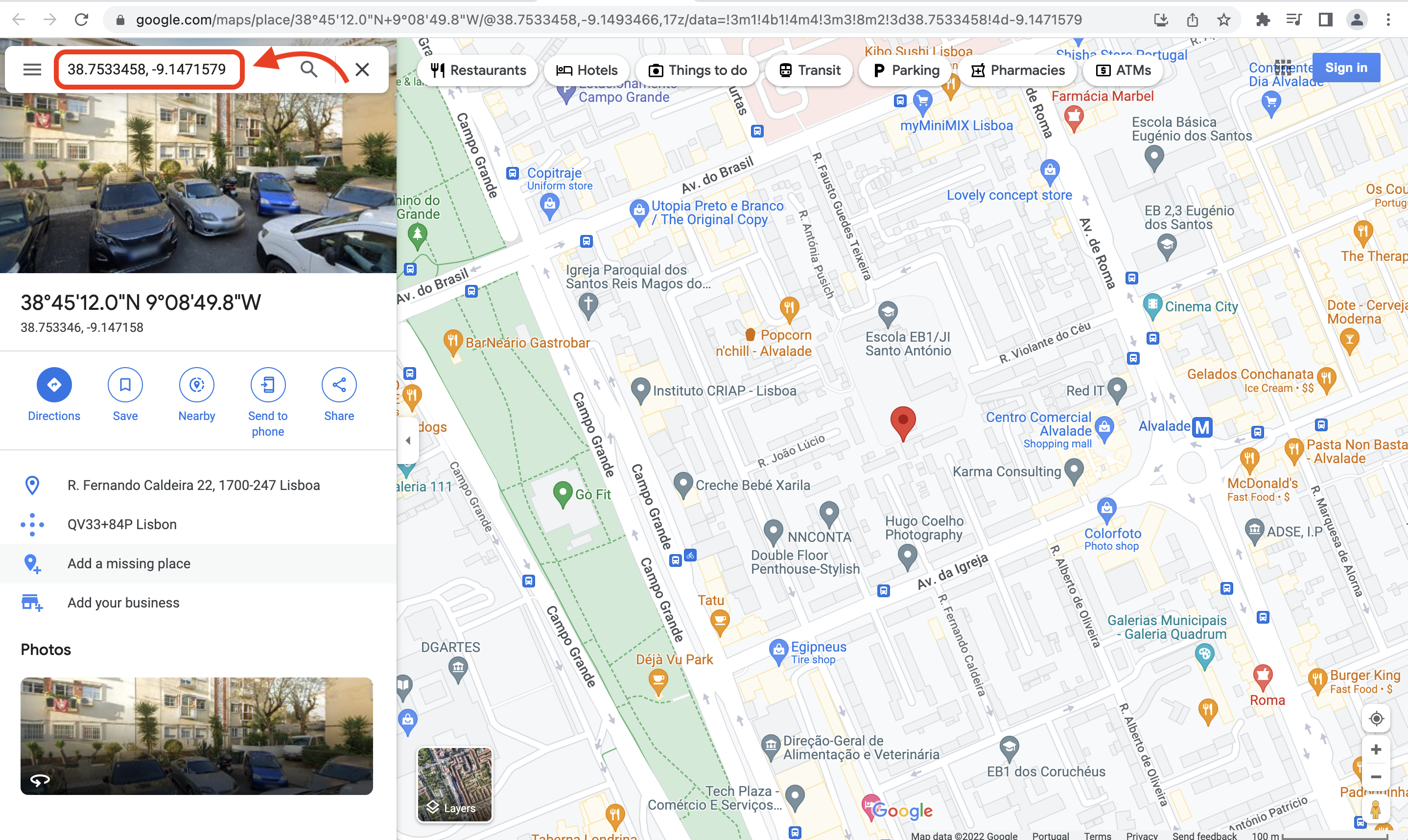
In the example included below, we shown how easy it is to extract information from a field built with $geo to automatically generate a link to a Google Maps URL dynamically built with the geolocation coordinates values given to it anytime we create a new instance of the Countries by register_demo definition. This is done by way of the following expression:
$auto.text(Country location).join('https://maps.google.com/?q=',Country location) $link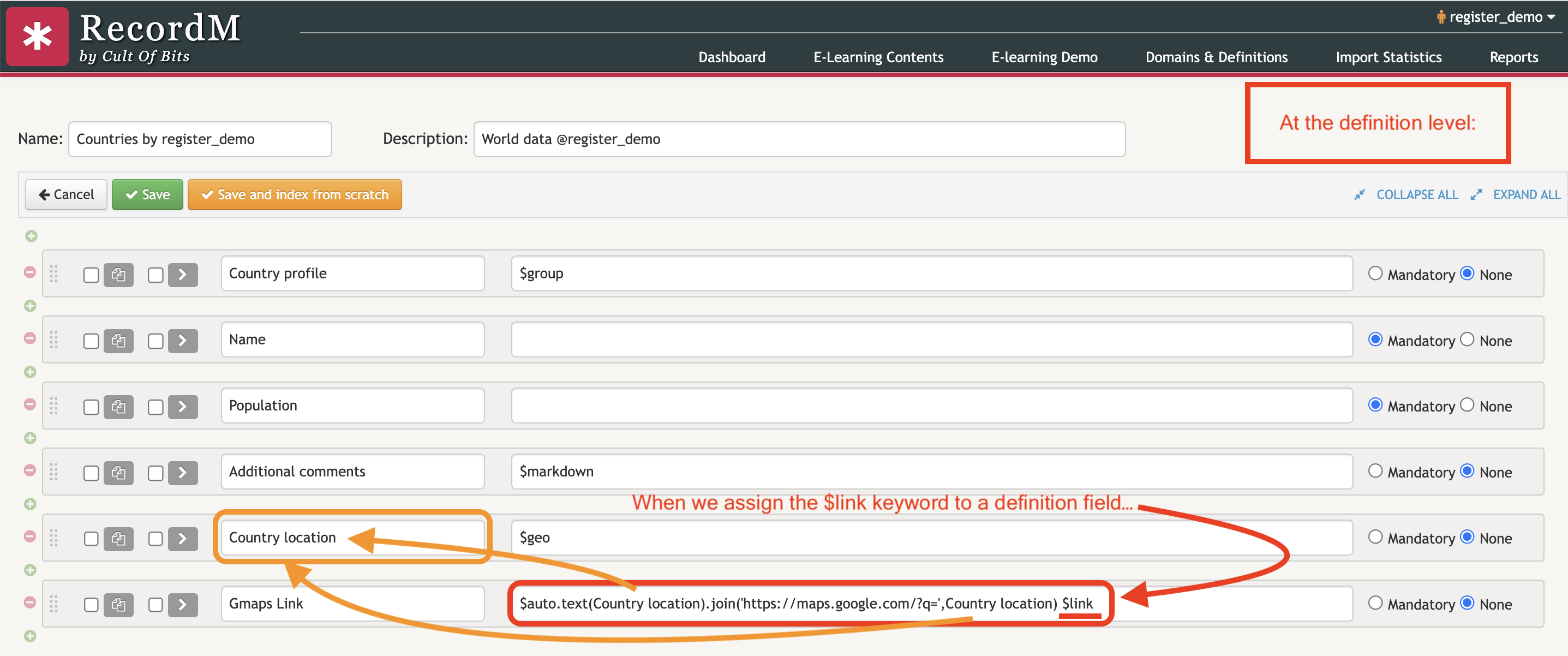
TIP
Example of a URL whose value will be encoded when processed by RecordM: http://abc/123/a value that will be encoded -> http://abc/123/a%20value%20that%20will%20be%20encoded.
Example of a URL whose value will NOT be encoded by RecordM: http://abc/123/a value that will NOT be encoded -> http://abc/123/a value that will NOT be encoded.
In the video included below you can see that is very easy to automatically generate a link to a Google Maps page based on geolocation values with the help of the $link keyword: