core.customizeSaveBehaviors
Enables the inclusion of buttons with different saving functionalities. Options include "save", "save and edit", and "save & create new" buttons.
Usage:
core.customizeSaveBehaviors("<definition-name>", [<buttons>, ...])Arguments:
| Argument | Description | Required |
|---|---|---|
definition-name | Refers to the name of the specific definition to which you want to apply the customization. | YES |
buttons | An array that contains definitions for the buttons you want to include in the customization of saving behaviors. Each element in the array represents a button and its associated configuration. | YES |
Button model:
{
    name: "save" | "save-edit" | "save-create-new",
    icon: "<button icon>",
    label: "<button icon>",
    cssClasses: "<string contiaing a list of css classes>",
    newInstanceFields: [
        "<field definition name>",
        ...
    ]
}
Arguments:
| Argument | Description | Required |
|---|---|---|
name | Indicates the predefined option that specify the action to be carried out when the button is clicked. These options include "save", "save-edit", and "save-create-new". | YES |
icon | The "icon" parameter specifies the icon that will be displayed alongside the button's label | NO |
label | The button's label, which typically comes with predefined options such as "save", "save and edit", or "save & create new", can be customized if needed, allowing you to provide more context-specific or descriptive labels tailored to your application's requirements. | NO |
cssClasses | Refers to the parameter used to specify the CSS classes that will be applied to the button | NO |
newInstanceFields | Specify the fields to be transported after creating a new instance. This will allow the user to copy values entered in the previous instance to the new one. | NO |
WARNING
By default, all instances already have a custom save behavior with a 'save'. If you redefine the custom save behaviors of a definition and wish to retain the normal save behavior, you need to explicitly add it to the list of buttons.
Examples:
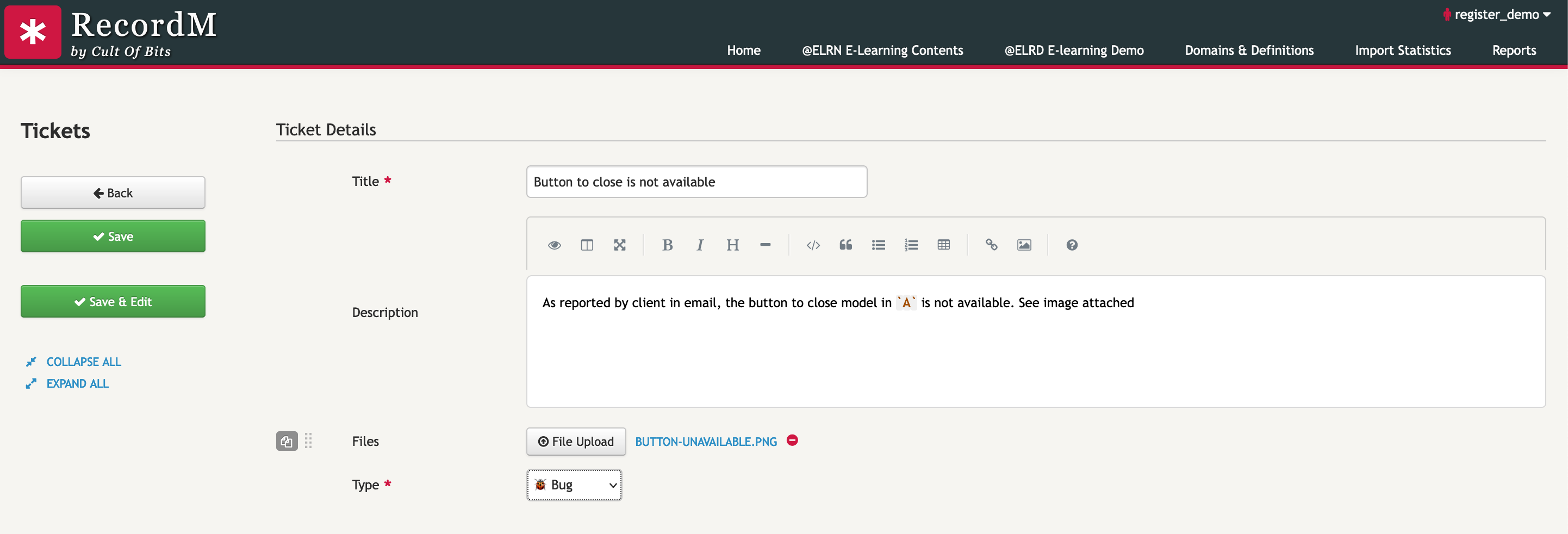
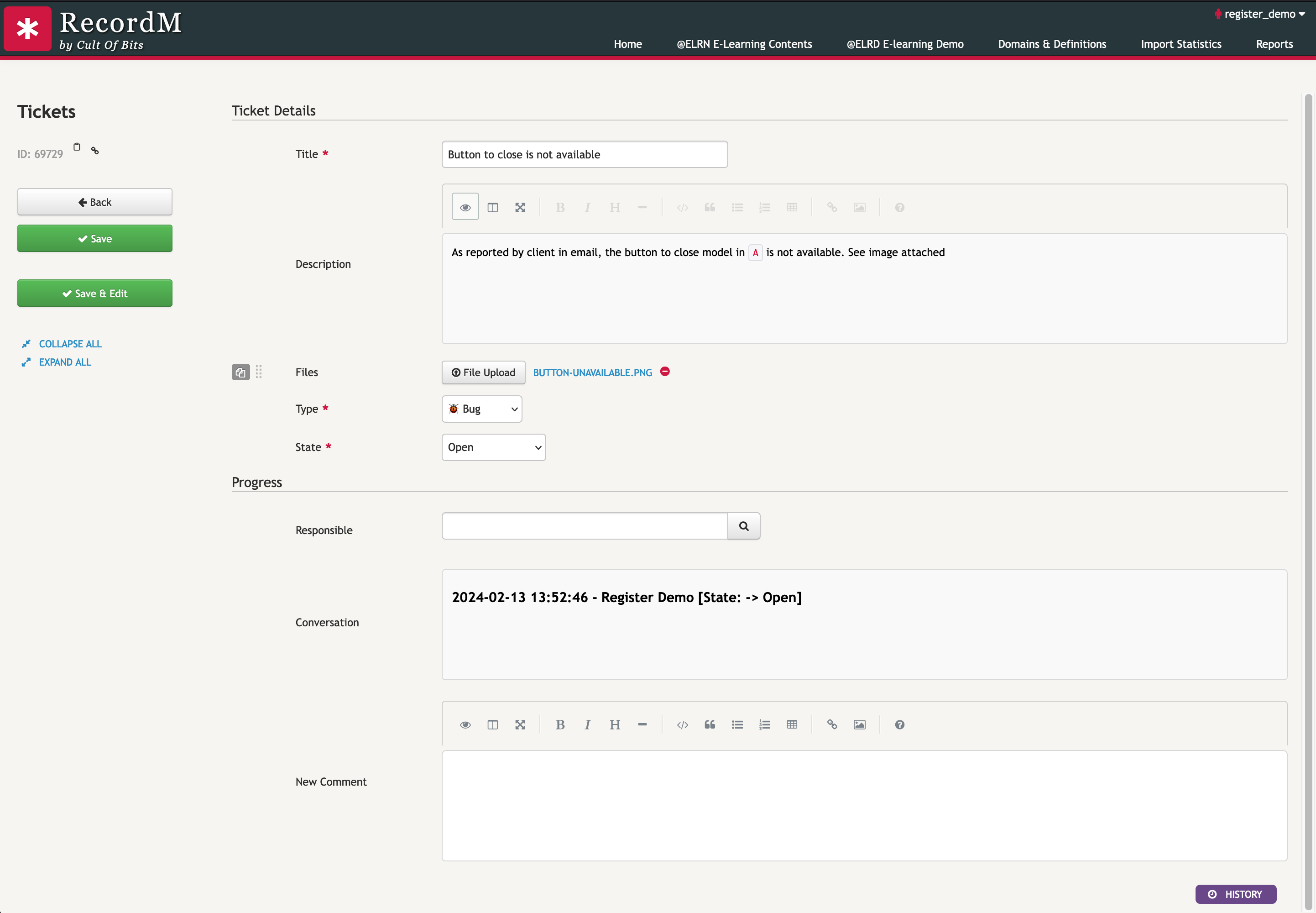
1. Save and stay
This action is beneficial when you aim to disclose additional information only after the instance is created, or to keep the instance open for continuous updates.
cob.custom.customize.push(function (core, utils, ui) {
    const DEFINITION = "Tickets"

    core.customizeSaveBehaviors(DEFINITION, [
        {
            name: "save",
            icon: "icon-ok",
        },
        {
            name: "save-edit",
            icon: "icon-ok",
        }
    ])
})
1. Save and create new
This action is beneficial when you aim to repeat several instance creations consecutively. For instance, in this example we intend to create several tickets with type Bug, hence the Type in the newInstanceFields property.
cob.custom.customize.push(function (core, utils, ui) {
    const DEFINITION = "Tickets"

    core.customizeSaveBehaviors(DEFINITION, [
        {
            name: "save",
            icon: "icon-ok",
        },
        {
            name: "save-create-new",
            icon: "icon-ok",
            newInstanceFields: [
                "Type"
            ]
        }
    ])
})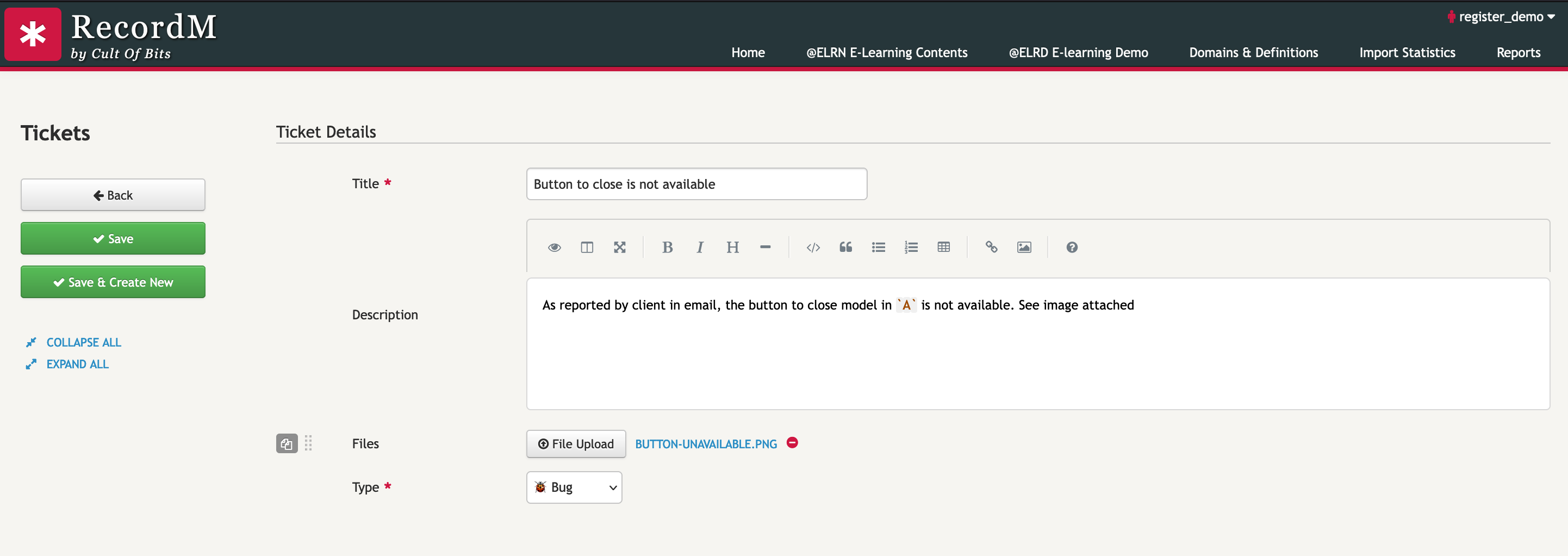
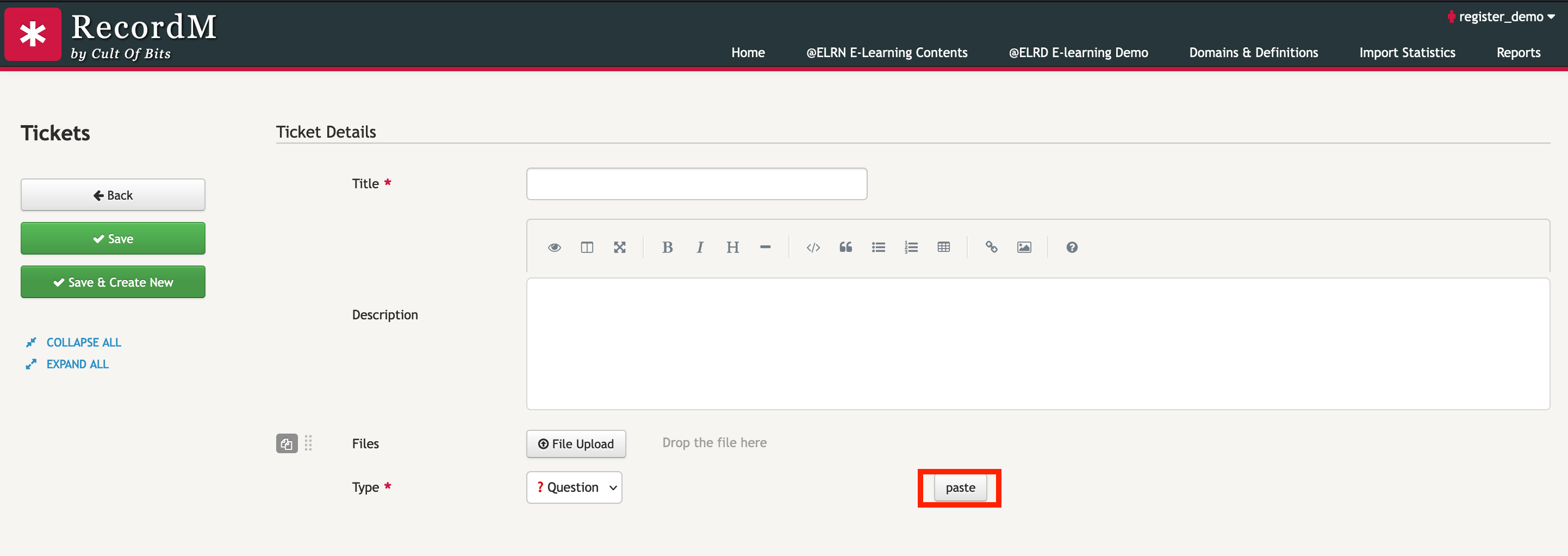
After creating an instance, an additional button will appear next to the input field, offering the user the option to apply the transferred value.