
Content only available in english
Searching Request Details on a Specific Device
If you want to get just the outcome of a command execution operation in a specific device on a request made to thousands of devices, you can filter the request details listing by entering the name of that device in the Equipment box in the top right corner of the listing.
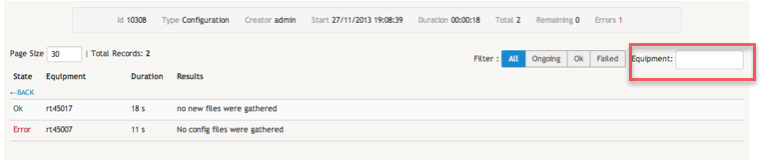
Filtering request details by status
You can also filter the request details listing in order to only include details about devices that are in a particular status. This can be easily done by selecting the appropriate one of the available options: All, Ongoing, Ok, or Failed.
