$related() - Related Instances
This keyword is used to dynamically find and display related instances from another definition using a query instead of a direct reference field. Unlike $references(), which depends on an existing reference relationship, $related() searches instances matching a given query expression.
Usage:
$related(definition_name,query,[Parameters])Options:
definition_name: The related definition namequery: A query expression used to find related instances. The query can include placeholders
| Parameter | Description |
|---|---|
showImport | when true, the Import Records button for importing instances to the related definition will be displayed. Default value is false |
view | the visualization to apply to the search results (default: undefined). Usage: view:name_of_the_view |
showViews | when true, the Active View button for selecting one of the available instance listing views will be displayed. Default value is false |
showActions | when true, all toolbar buttons (Export, Edit in Group, and Delete) for interacting with multiple instances and all actions for interacting with individual instances (Delete and Duplicate) will be displayed. Default value is false. |
Limitations
It is not possible to create new instances directly from a $related() field. The keyword only supports searching and displaying existing instances.
Queries with placeholders
As mentioned the query can include placeholders
text
__${FIELD_NAME}__These placeholders are replaced in real time with values from the current instance.
text
$related(Tickets, type:__Ticket Type__)In this example:
- The query searches instances from the
Ticketsdefinition. - The placeholder
__Ticket Type__is replaced by the current value of the fieldTicket Type. - Only tickets related with the selected type are returned.
Examples
1. Using a query to find similar tickets
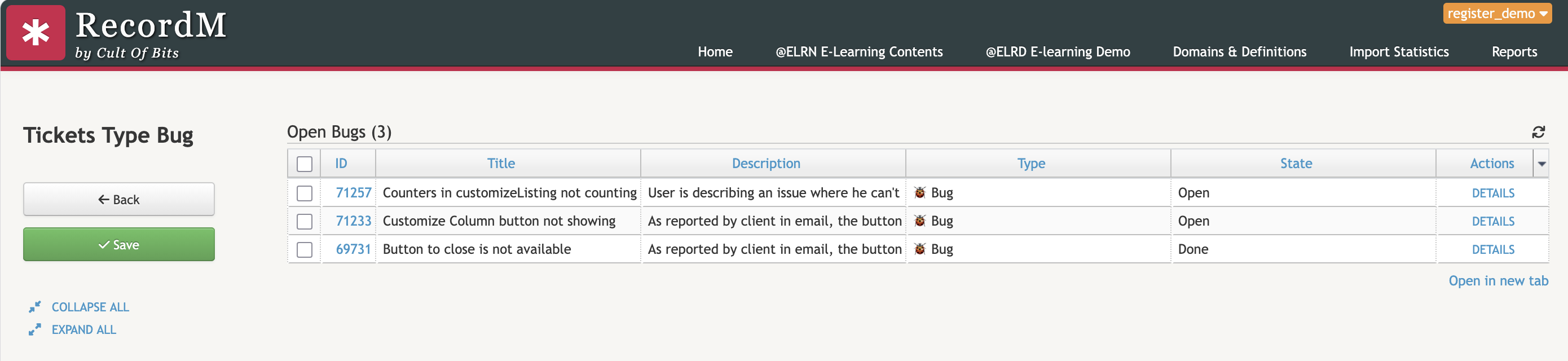
$related(Tickets, type:bug)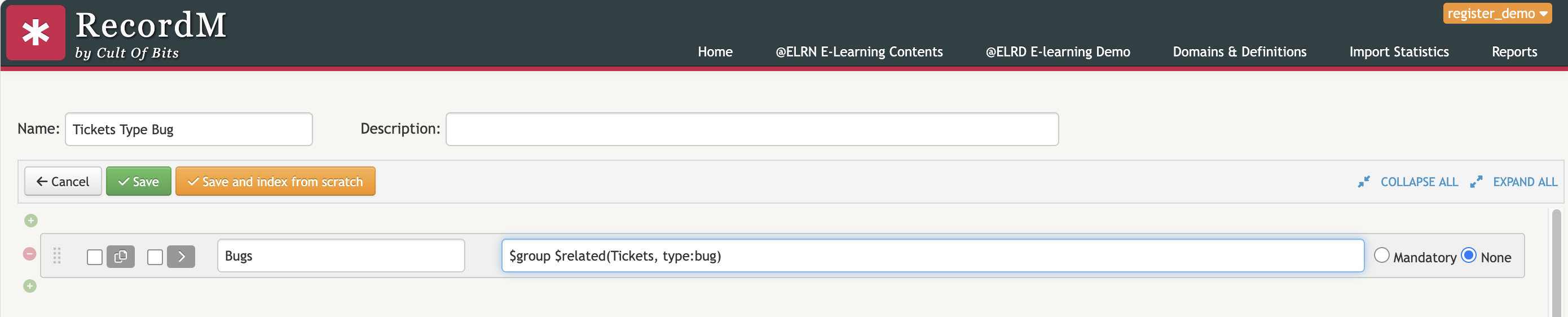
2. Using a dynamic query to find similar tickets
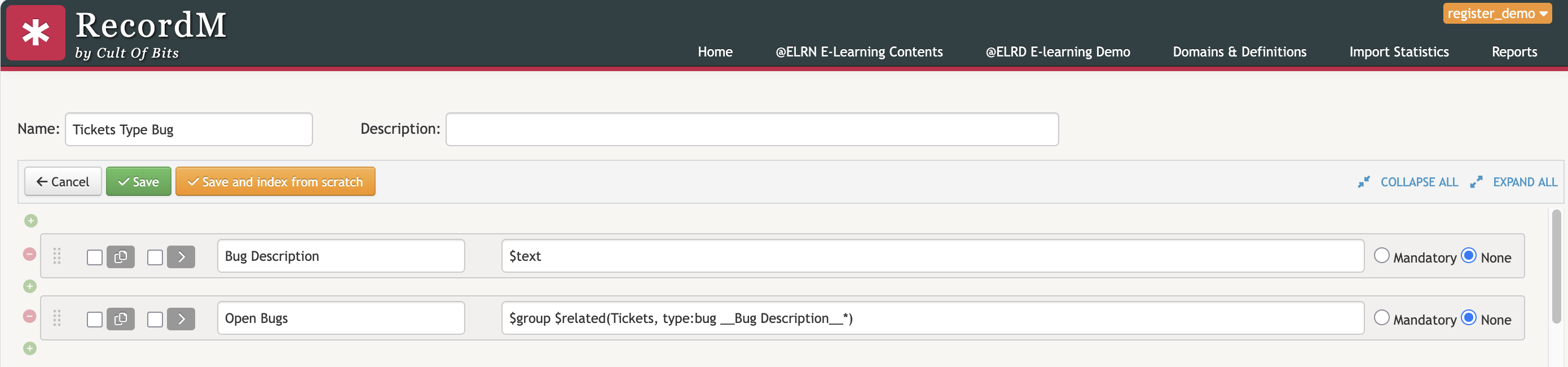
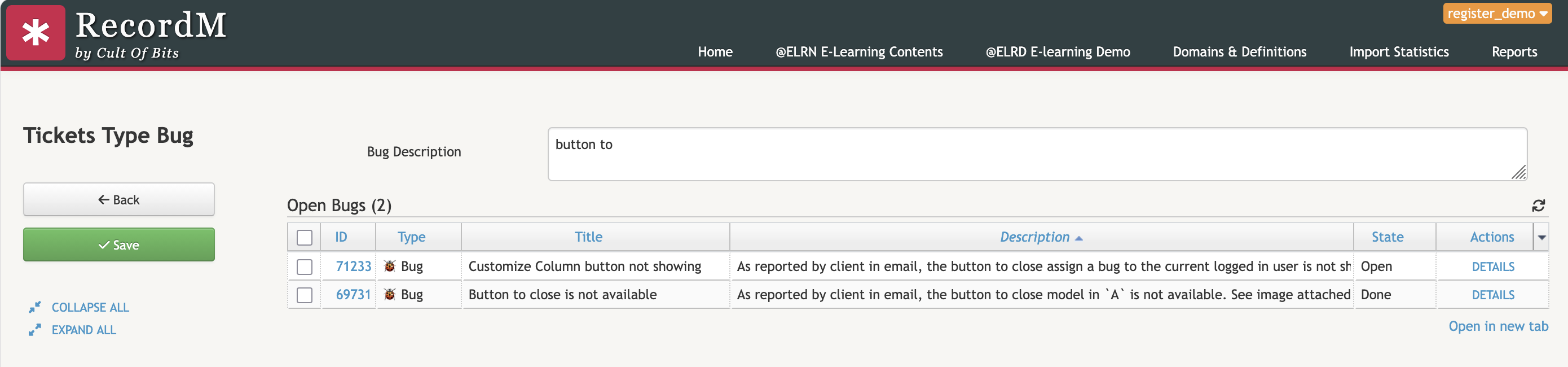
$related(Tickets, type:bug title:__Bug Description__*)