Slides Component
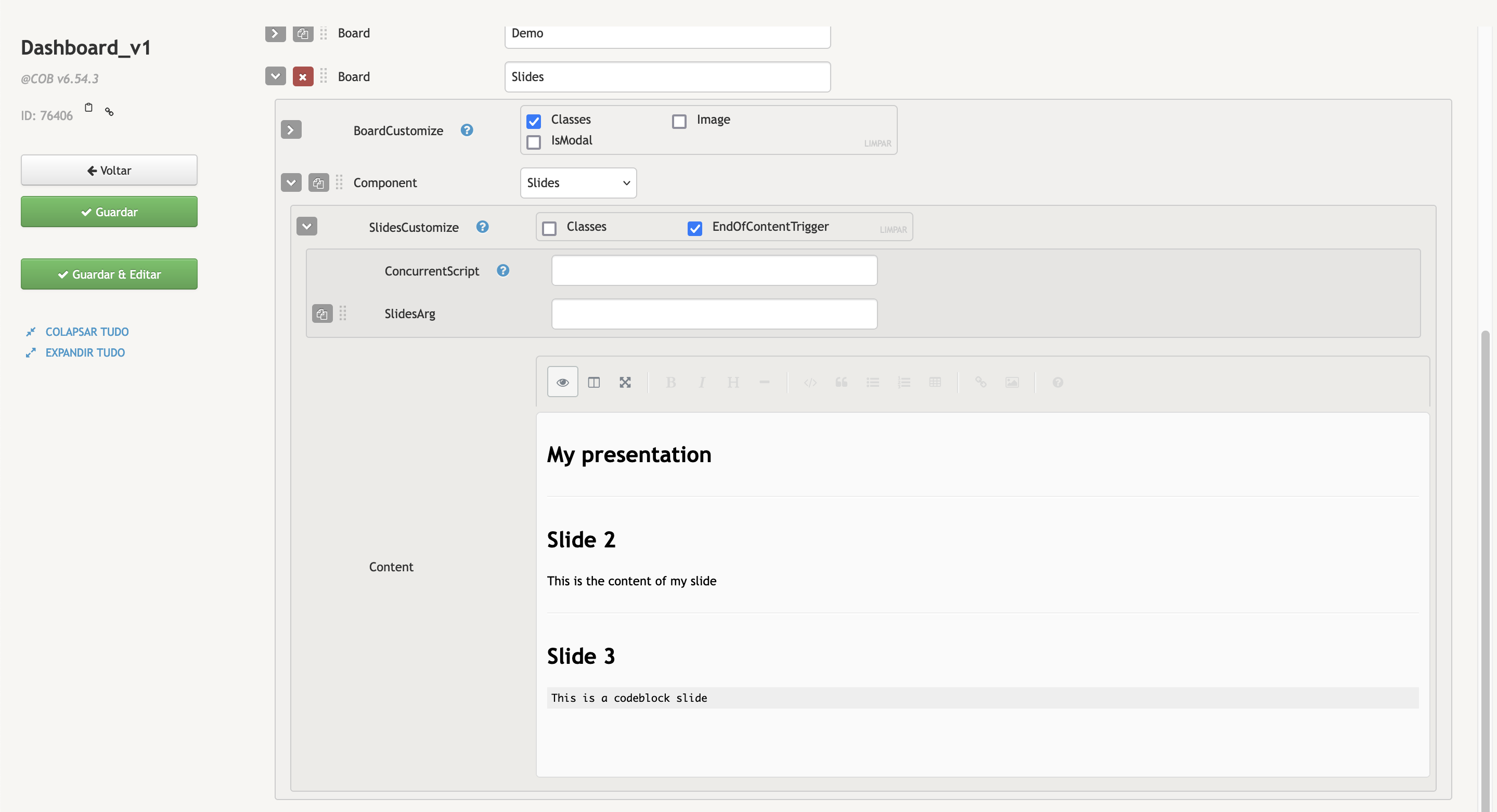
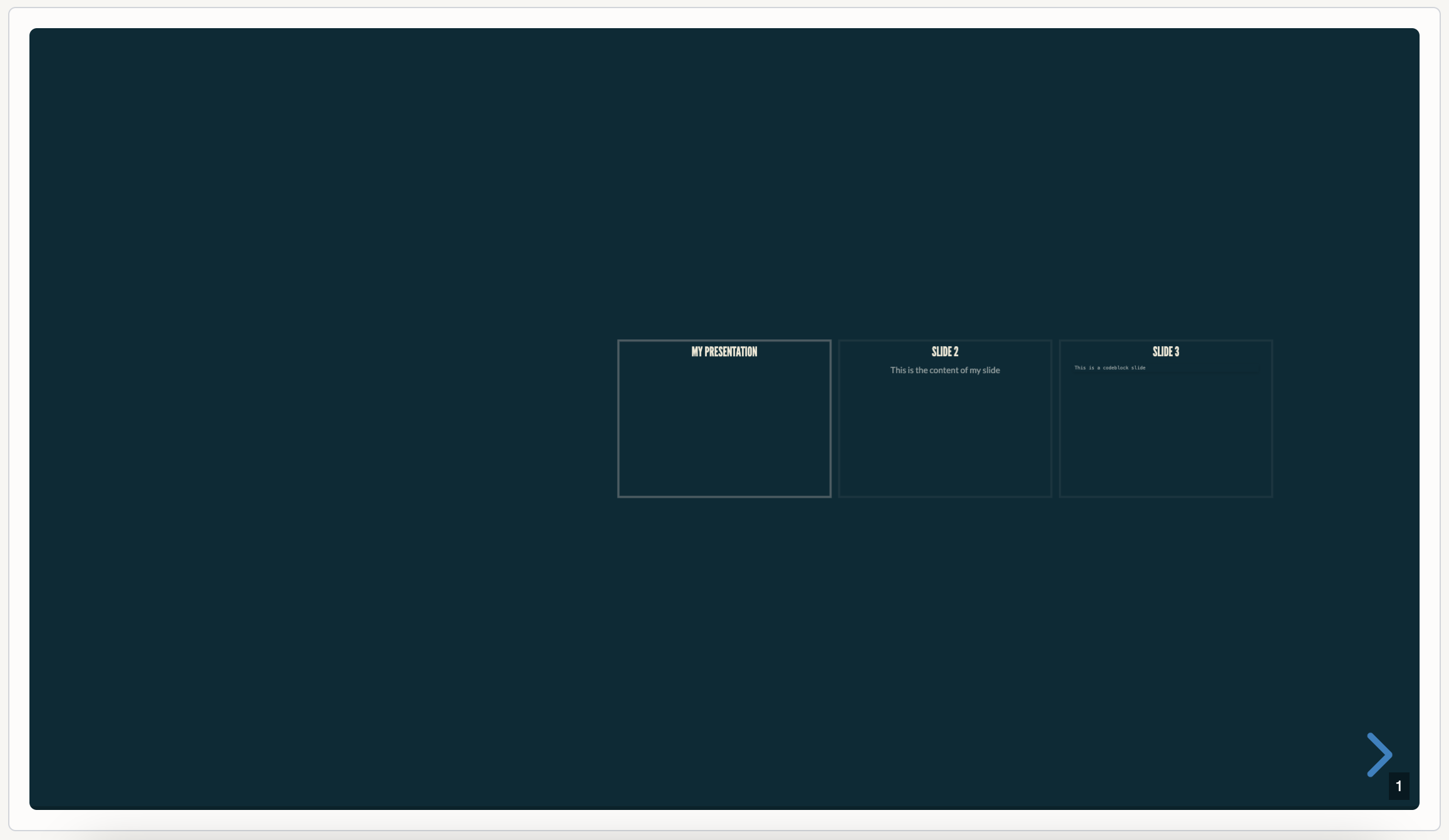
The Slides component is used to display Markdown content in a slides presentation. It also supports HTML, if used in conjunction with Markdown.
Creating a Slides Presentation with Markdown
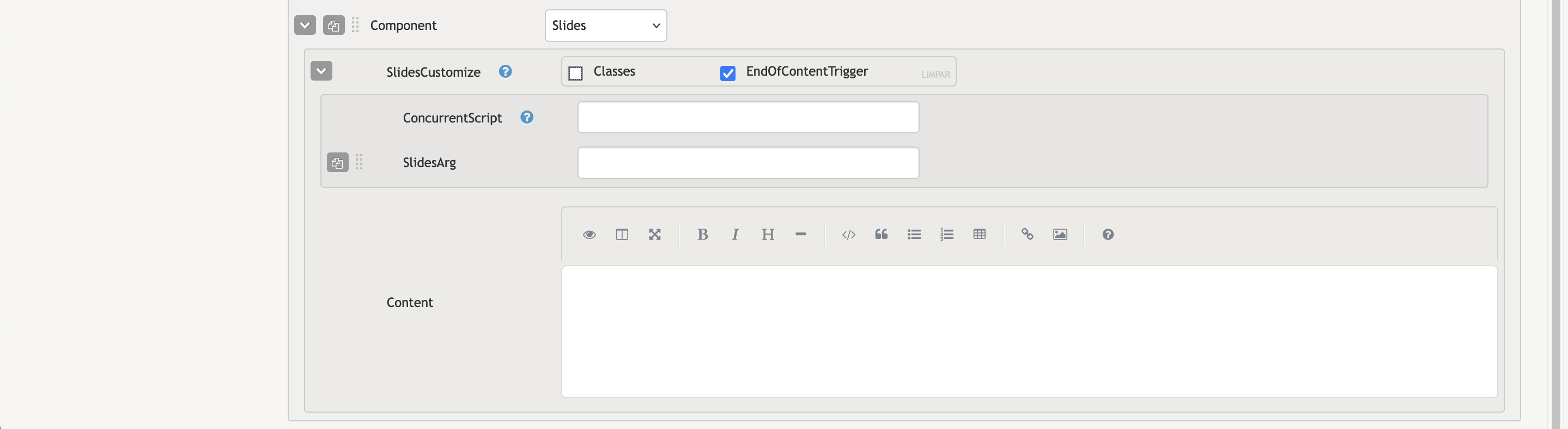
- SlidesCustomize:
- EndOfContentTrigger: oggleable option to configure concurrent script calls that will be ran when finishing viewing the slides (after clicking Mark as Seen.
- ConcurrentScript: Contains the name of the concurrent script we want to run.
- SlidesArg: Contains arguments that we want to pass into our concurrent script.
- Content:: Provide the Markdown content you want to convert into a slide presentation. Use --- as a separator to create multiple slides.
INFO
If the EndOfContentTrigger option has been selected, and a ConcurrentScript is present, the Slides component will show a Mark as Seen button when reaching the final slide. Clicking this button will run the concurrent script previously configured.
User Keybinds
| shortcuts | Description |
|---|---|
| Arrow Keys | Navigation |
| F | Fullscreen |
| O | Overview Mode (Displays the entire presentation as if you were "flying over it" ) |
Example
md
### A Presentation on Client Support

---

### Creating Tickets

To create a ticket...

---

### Closing Tickets

`
This is a codeblock with a Ticket inside (...)
`