
Domains, Definitions and Records
When using the CoB platform you will often come across four main concepts: domain, definition, field, and instance. Each of these concepts describes different types of information units and are therefore fundamental for getting to know our platform. As such, they will often appear throughout this learning paths.
To get a better picture of what these concepts mean in the context of an application built within the CoB platform, we will use the solution based on our demo database as an example. You can follow along by clicking here and logging in with the following credentials:
username: demo
password: demo
WARNING
Please be aware that the user demo is only allowed to perform reading actions - it cannot create, update or delete anything. Throughout the user's manual, we will illustrate all the actions involving reading data with the demo account. Alternatively, we will illustrate any other more advanced actions with a second, private account (register_demo). If you want to test any of the powerful features that the user demo is not allowed to use, you can ask us to create a special test account at training.cultofbits.com.
After accessing the application through the link included above, you will find a dashboard containing data visualizations about the database. On the top right corner, you will find a horizontal navigation bar with several items. Each item refers to a domain. The domain named E-learning Demo refers to the application you are currently using.
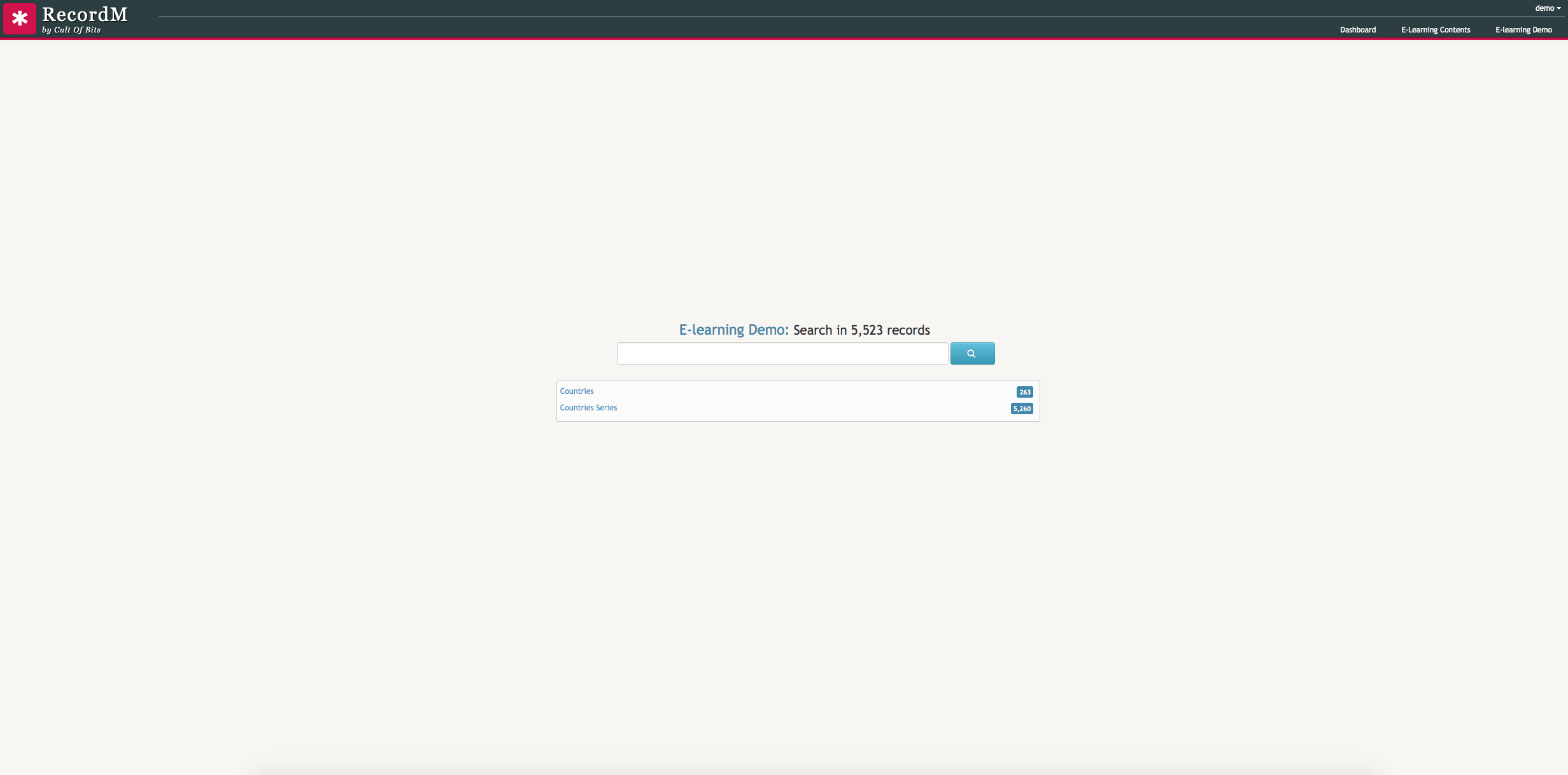
Below the title of the domain and the number of data records it contains, there is a search box where you can search for any piece of data that you need to look for. For instance, you can search for Portugal and the application will immediately return all the domain results containing that expression.
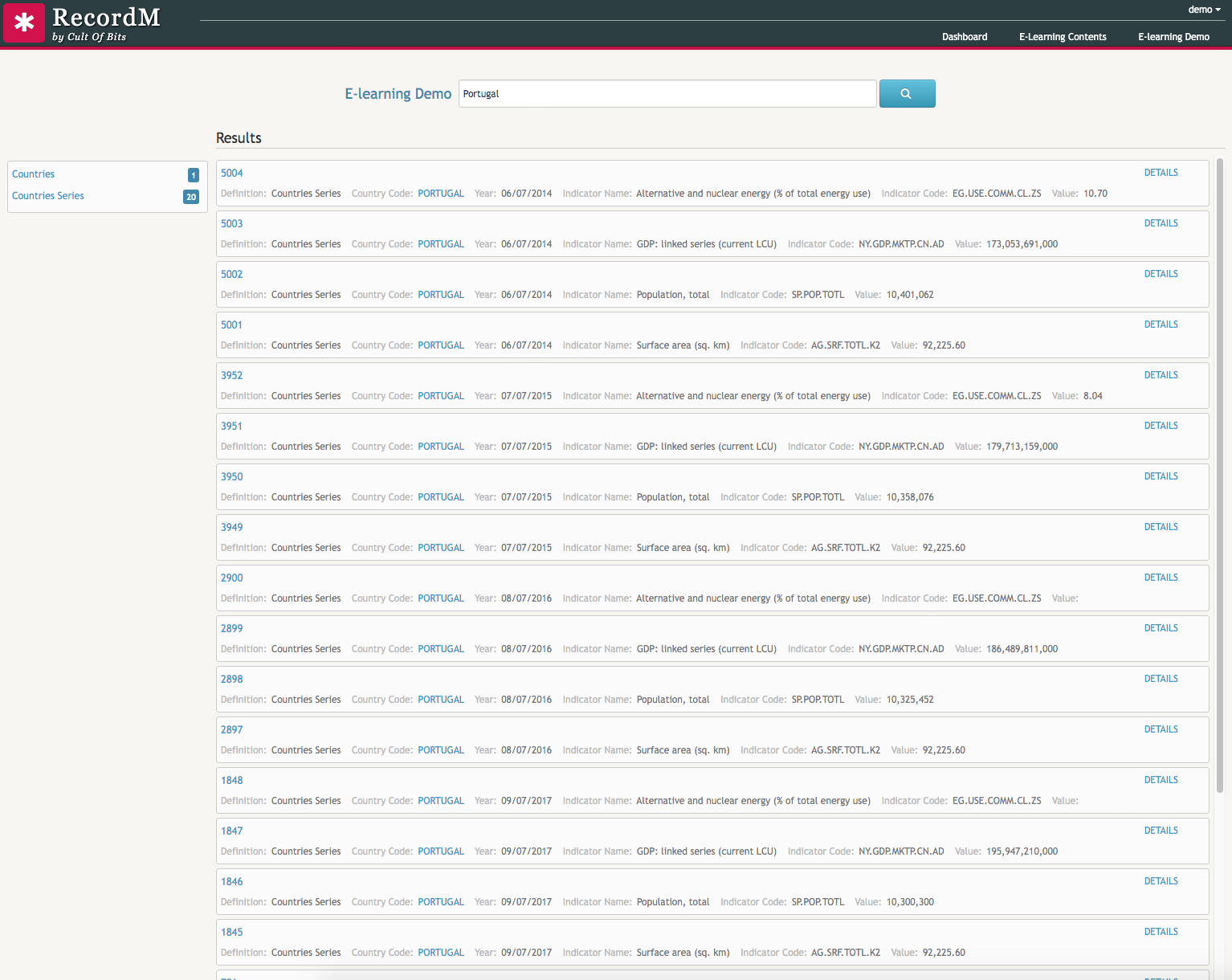
Back in the homepage of the E-learning Demo you can find a small rectangular box beneath the search box with two rows, each containing a name and a value:

These are definitions and they are the data entities containing the required fields that are used to describe all data items inside a domain (i.e.: properties such as country name, short name, long name and alpha code). A domain can thus be seen as a set of definitions thematically grouped.
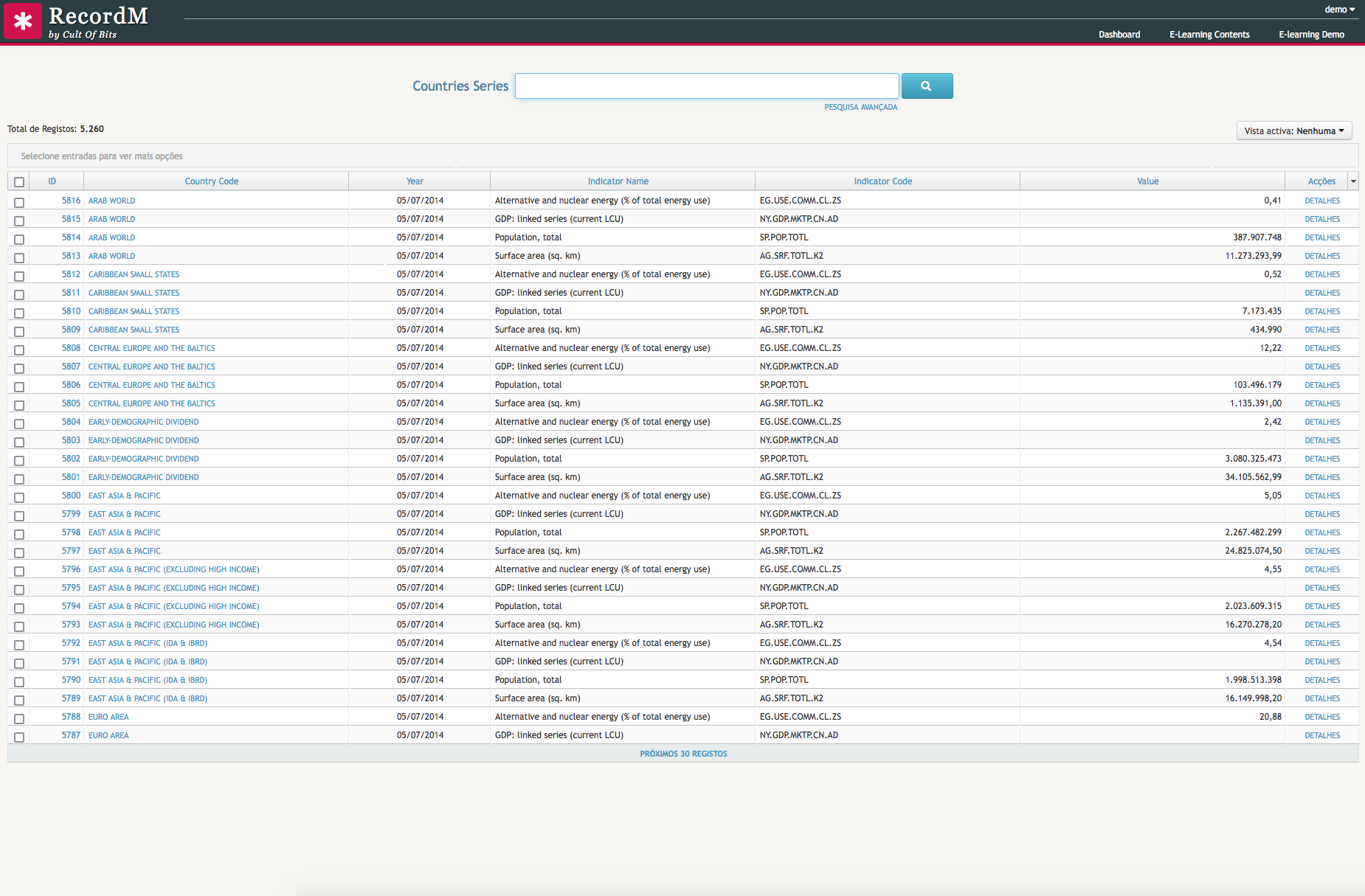
If you click on top of the Countries Series definition you will find a list of data records - 5260 to be more precise. Each of these data records is an instance. An instance is the result of data introduced in each definition field.
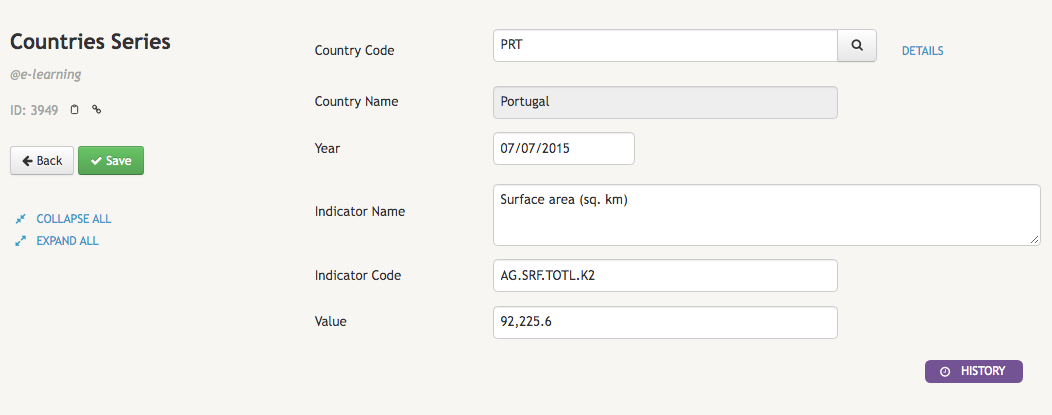
By clicking on the ID or Details cell of a instance you can read and edit all the individual properties that describe each particular data item:
To better understand how these concepts work together in practice and what you can do with them when you combine into a CoB application, we can see domains as groups of spreadsheets, definitions as individual sheets (tables), fields as their columns, and instances as their rows. We hope that this example will be helpful throughout your learning path.