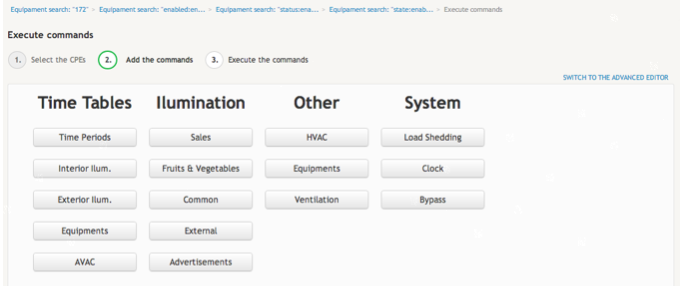
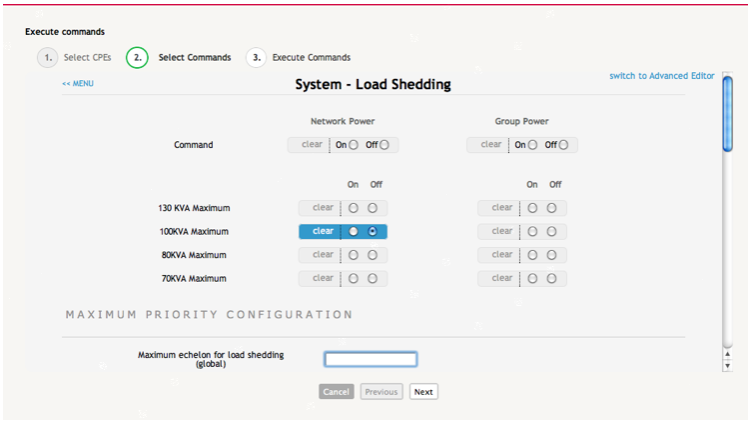
Custom User Interfaces
If you are a non-expert user, you can nevertheless develop within the CoB platform your own custom User Interfaces (UIs) to interact with one or more devices. For that, you can use an integrated custom templating language - COBML - a markup language similar to HTML - provided by the platform. COBML allows non-expert users such as you to interact with managed devices without having to cope with the complexity of the specific command sets supported by each device.
Each set of custom UIs is associated to a specific device brand. Custom UIs can also be differenciated in terms of subsets: UIs about the Status of a device and UIs about command execution. When a custom UI based on the brand of a given device is available, a STATE link is shown in the right corner of the entry rows for all devices manufactured by that same brand.
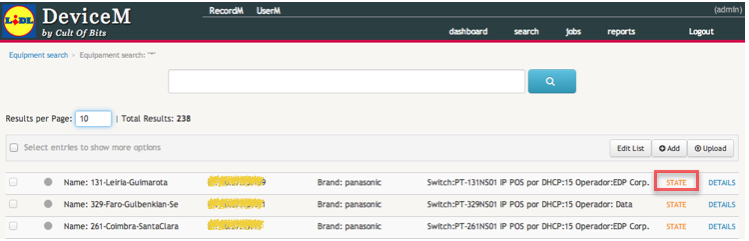
Click on the STATE link to display the custom UI assigned to the brand of that device.
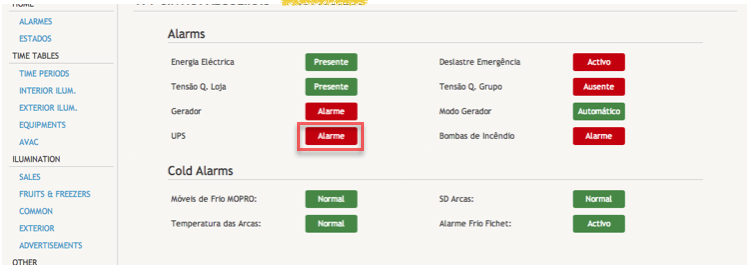
In the following example we are showing custom UIs developed for a Panasonic device. Some of the the custom widgets provided by COBML are highlighted in the example.
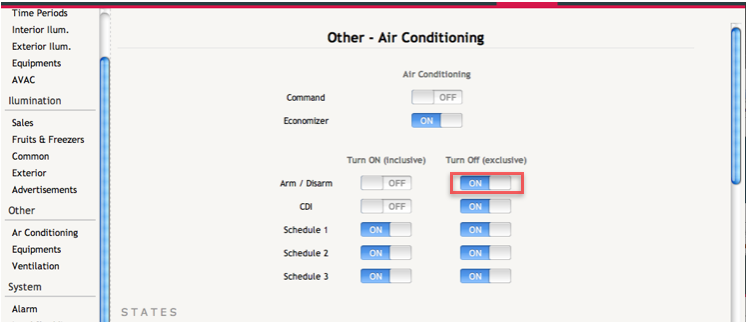
The command execution wizard also has the ability to display a custom UI for the execution of commands, instead of the standard command editor. The user can switch between the editor mode and the custom UI mode by clicking on the SWITCH TO THE ADVANCED EDITOR link.