
Removing a Device
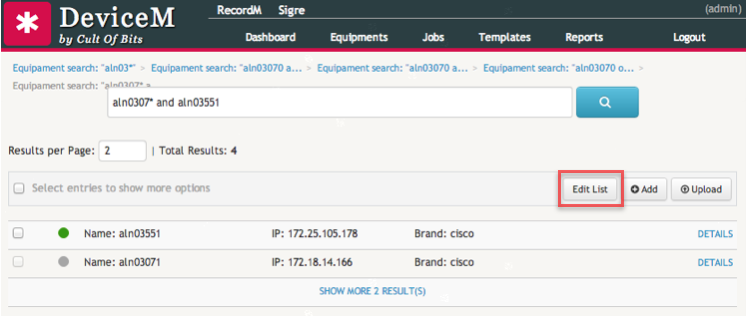
To remove a device from the CoB platform, first search for the device you wish to remove. After obtaining a list of results, click on the Edit List button located in the actions bar on the right.
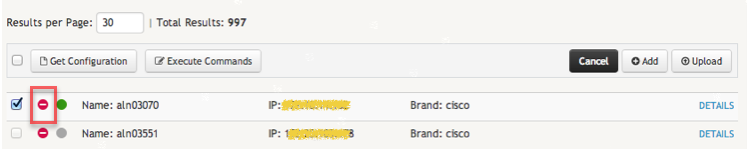
A delete icon represented by a stop sign -  - will immediately appear next to the selection checkbox on each device entry. Click on the icon of every device you want to remove from the platform.
A confirmation button will appear. After confirming the operation, you will only need to click on the red Delete button to effectively delete the device from the application.
WARNING
After you click the red Delete button, you will not be able to reverse the operation. With the device, all associated files and log entries will also be deleted.
