
Configuration Collection
To request the collection of configuration to a set of devices, select the devices from the search results list by clicking on the checkbox of each appropriate entry.
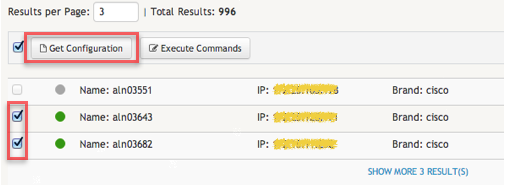
Then, click on the Get Configuration button located on the top left actions bar. This operation is only possible in devices that are in the Enabled or Quarantine state.
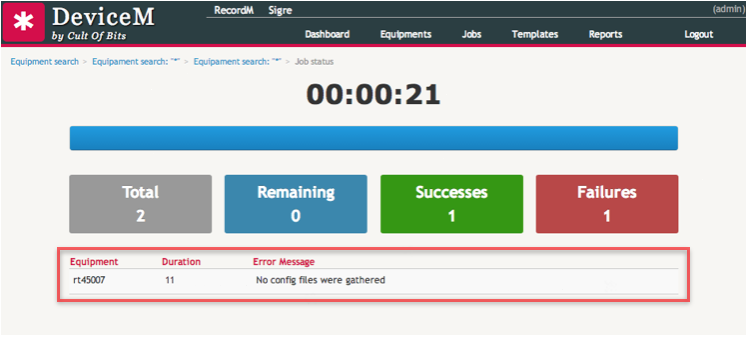
The application tracks the status of the configuration collection process while the later is running. Any error found on a device will be displayed on a table in a different row. Each row will include the name of the device, a error log message and the execution time of the commands on that given device.