
Platform Access
To access the platorm you either click on a link sent to you or copy and paste the address in your Web browser address bar. Once you get to the login page, you can enter the username and password previously assigned to you in the relevant fields.
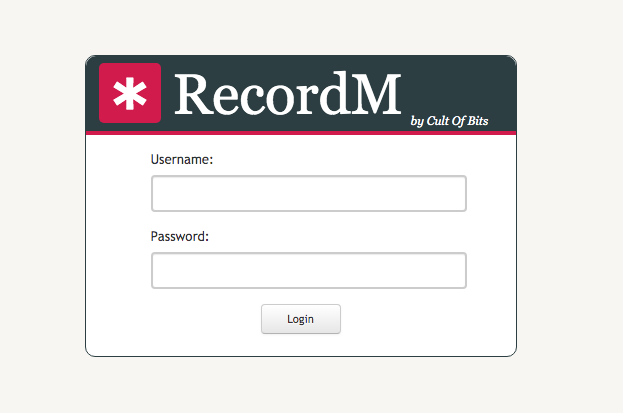
Your login page will be similar to the one you will find on the following link: https://learning.cultofbits.com/recordm/index.html.
TIP
If you have received a direct link to a specific URL address but you are not logged in to the platform, you will be unable to make any changes to the data.
WARNING
We advise users to change their initial password immediately after logging in for the first time.
WARNING
The CoB platform includes a inactivity timer which automatically closes all user sessions that have been idle for at least 30 minutes. This timer will stop counting in case the user leaves a Cob platform page open.