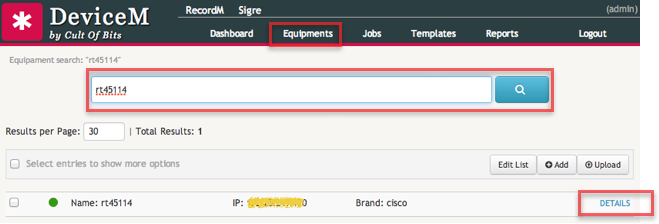
Searching for Devices
To search for devices click on the Equipments tab on the top navigation bar of the application.
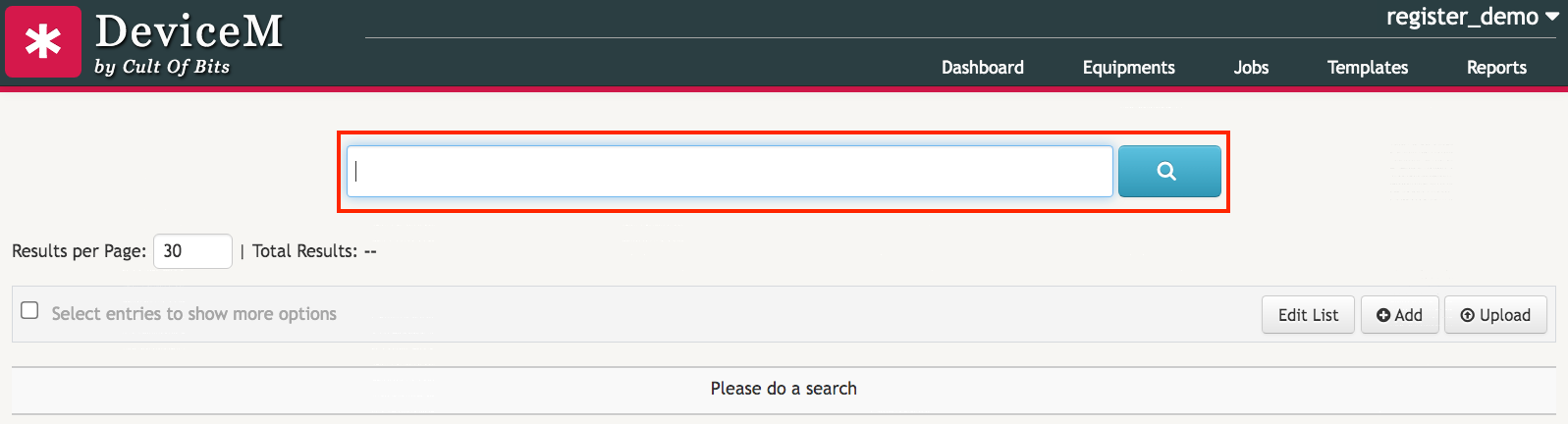
Enter a search term on the search box and hit enter. The application supports searching by any of the device’s properties: Name, IP, State, Email, Username, etc. When searching for a device, you can also use queries that rely on parts of a word instead of a complete word.
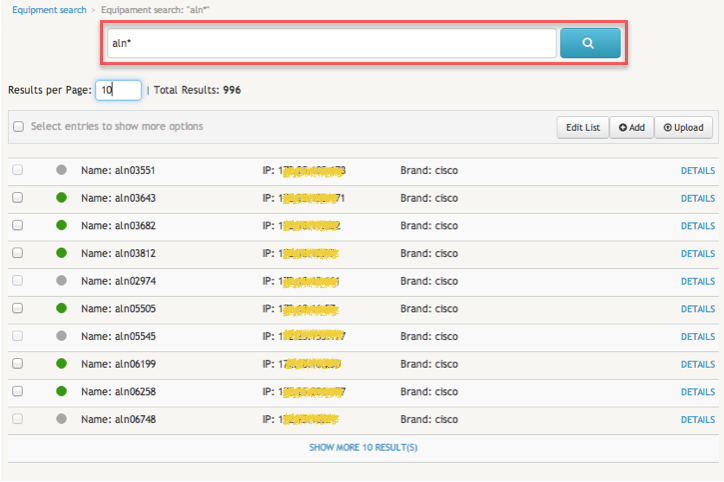
In the above example a search was made using the query string aln* which will match all devices with a name starting with the “aln” string.
Changing the number of results per page
The number of search results included per page can be changed by entering a new maximum value on the Results per Page box . The default value is 30.